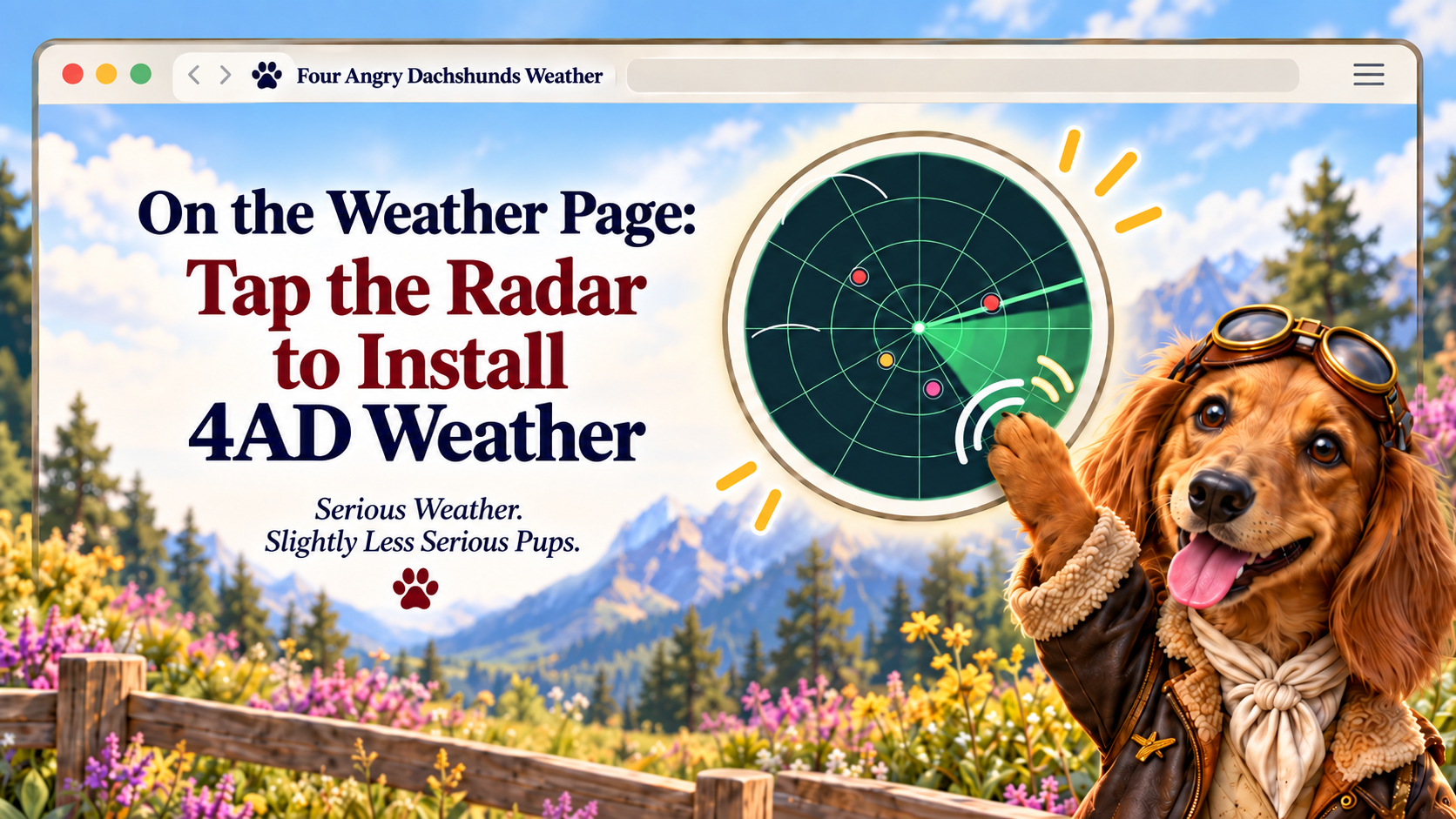
Get the 4AD Weather App
Click or tap the picture above or Open 4AD Weather below. When Weather opens, click or tap the radar image at the top of the page to install 4AD Weather as an app.
What happens next? If your browser can open the app installer directly, the radar will do it. If not, Weather will show the browser-specific instruction you need.
Already using the installed app? The radar remains a normal image and its install action is automatically turned off.
The installed app opens the normal 4AD Weather page.
*If the install prompt does not appear, refresh the Weather page once and tap the radar again. Some browsers may not show the install dialog immediately.